Products
Quick view modal
Learn how to enable and customize the quick view modal on product cards
The quick view modal lets customers preview product details and add items to their cart without leaving the current page. It opens when a customer clicks the quick-add button on a product card.
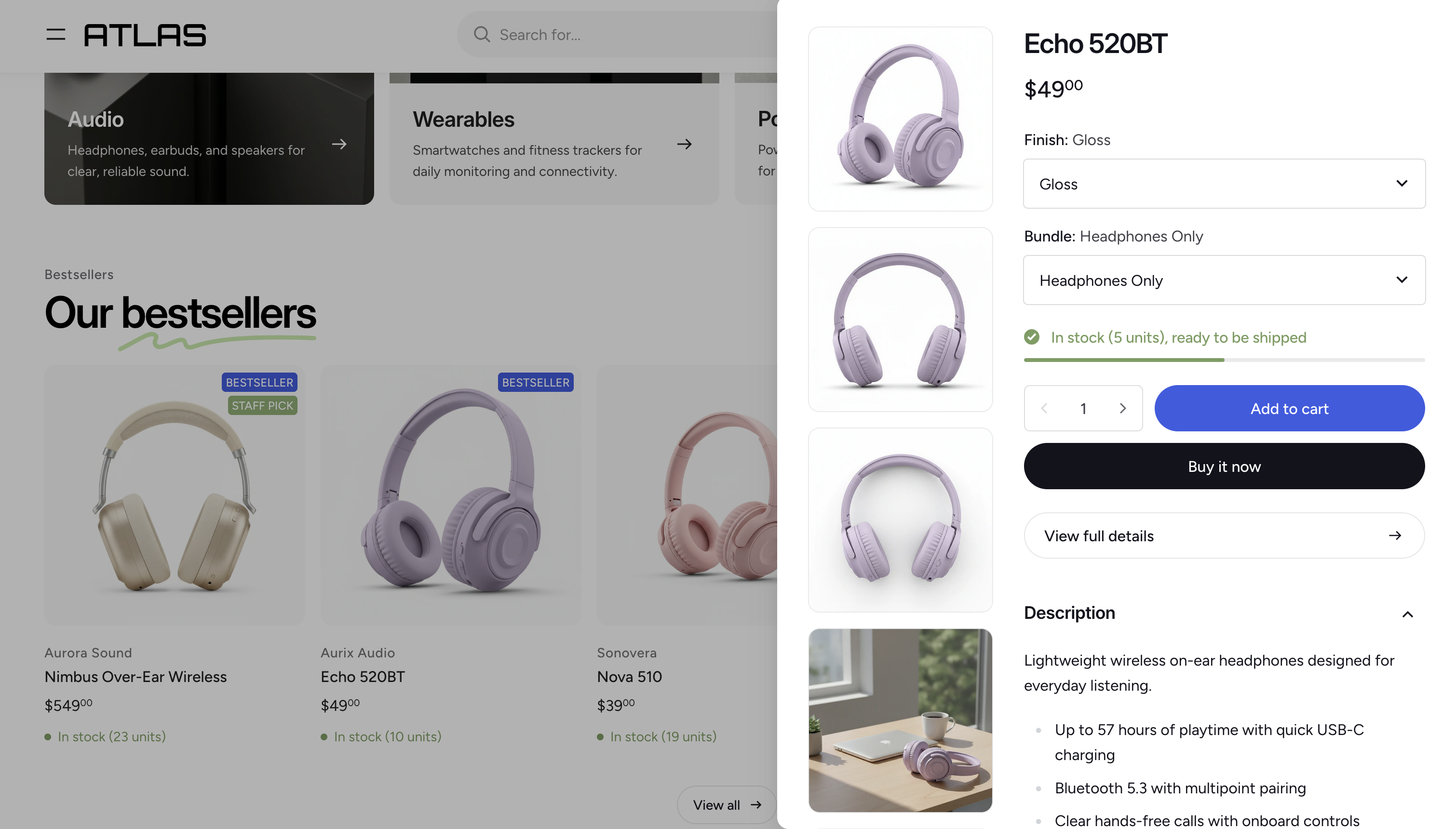
Enabling or disabling the quick view modal
The quick view modal is enabled by default. To toggle it:
- Open Theme settings in the Theme Editor.
- Click Product card.
- Check or uncheck Show quick add to cart.
Customizing the layout
You can rearrange and configure the content shown inside the modal by editing its section blocks.
- In the Theme Editor, navigate to any product page. The product you select will be used as a preview when editing the modal.
- In the left sidebar, find the Quick view modal section under the Overlay group.
- Add, remove, or reorder its blocks to control what information appears inside the modal and in what order.